Microsoft outage? Here’s how to stay reachable through Voys

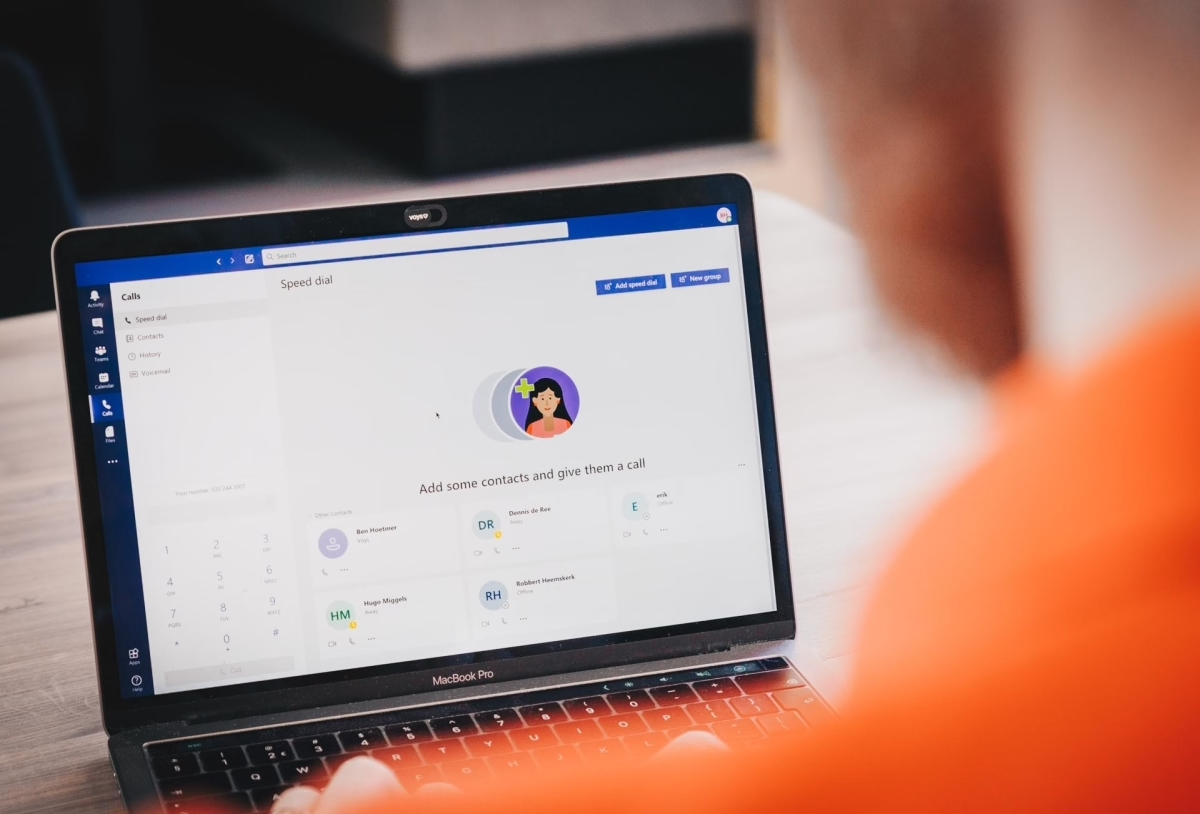
Your email isn’t working, Teams isn’t responding, and your customers are wondering why you’re not answering; Microsoft is experiencing an outage. Do you make calls via Teams using your Voys number? Then you don’t have to wait for Microsoft to fix the problem. If you have a backup user set up, you’ll be reachable again with just a few clicks.
Why you’re still reachable through Voys
Teams is where you make your calls, but your phone number is registered with Voys. So is your dial plan, which determines where a call goes when someone calls you. If Teams is down, calls still come in through Voys. Only the final step, forwarding to Teams, is temporarily unavailable.
Fortunately, you can reroute that final step: to a backup user via the Voys App or Webphone, or to your cell phone number. Your customers will call the same number and won’t notice a thing.
How to switch over during an outage
Use a backup user. Create an additional user in Freedom, separate from your Teams user, and link the Voys App or Webphone to that user. Your Teams settings will remain exactly as they are, so everything will work again immediately after the outage. Please note: In some cases, an additional user may incur a fee.
Add the backup user to your dial plan. In the dial plan or call group, replace your Teams user with the backup user. Incoming calls will then be routed to the Voys App or the Webphone. Don’t have admin rights? Ask an administrator.
Make outbound calls using your business number. Under “Outgoing Calls” for the backup user, set your business number. When you call via the Voys App or Webphone, the other party will see that number.
Need a quick solution but don’t have the Voys App or Webphone yet? Set your mobile number as the destination for the backup user. Calls will then come through on your mobile. Please note: you won’t be able to make outbound calls using your business number this way. For that, you’ll need the Voys App or the Webphone.
Outage over? Revert everything
If Teams is working again, put your Teams user back into the dial plan, in the spot previously occupied by the backup user. Or ask an administrator to do so. You can also easily restore a previous version of the plan.
Just leave the backup user as is. That way, they’ll be ready for the next time.
Have a Plan B ready before you need it
An outage doesn’t give you any warning; it happens right when that one customer calls about an urgent order. At that moment, you don’t want to be creating a user, figuring out how to install the Voys App, or trying to find out who’s authorized to edit the dial plan. You want to be ready in just a few clicks. That means having a backup plan ready in case things do go wrong.
Here’s how to make sure your Plan B works:
- Create a backup user now. Link the Voys App or the Webphone to the backup user and set your business number as the outgoing number. That way, if there’s an outage, all you’ll need to do is make a small change to the dial plan.
- Spread out your devices. Teams and the Webphone both run on your computer. If your home internet goes down, the Voys App on your cell phone will be more useful, since it also works over 4G or 5G.
- Know who’s authorized to do what. Switching over is done through the dial plan, and only someone with administrative rights can make those changes. Agree on who will handle this, and who will step in if that person isn’t available.
- Set up a dial plan extension. Create a dial plan extension for outages. This is a kind of template for a dial plan. When an outage occurs, you can simply select the dial plan extension. That way, during an outage, you won’t have to think about what to do with your phone system.
- Practice it once. During a quiet moment, add the backup user to the dial plan, have a colleague call you, and then revert the settings. You can also thoroughly test the dial plan extension. It takes just two minutes, and you’ll be sure it works.
- Think beyond just calls. If your email is down, your phone is often the only way customers can still reach you. A voicemail message or a notification in your menu, for example, “We’re experiencing an outage at Microsoft; email may be delayed”, will help them out.
Get your Plan B ready today. Add a backup user and link the Voys App or Webphone. Then, the next time there’s an outage, you can switch over in just a few clicks.